The #1 typing tutor for over 30 years

Touch typing, taught by Mavis since 1987.

One proven method, three editions: games for kids 6–12, professional mastery for teens and adults, and a Classroom Edition that puts a whole school on one license. All three run in your browser.

mymavisbeacon.com/mbtt
Mavis Beacon Teaches Typing
Try a lesson · Full keyboard Example run: click to type
Speed
41WPM
Accuracy
96%
Goal
40WPM
Trusted since 1987 Works in any browser, incl. Chromebooks License keys emailed instantly Family, multi-user & school plans
Choose your edition

Which Mavis Beacon is right for you?

Same method, three experiences, each sized to who's at the keyboard.

Who's learning?
Pick one and we'll point you to the right edition.
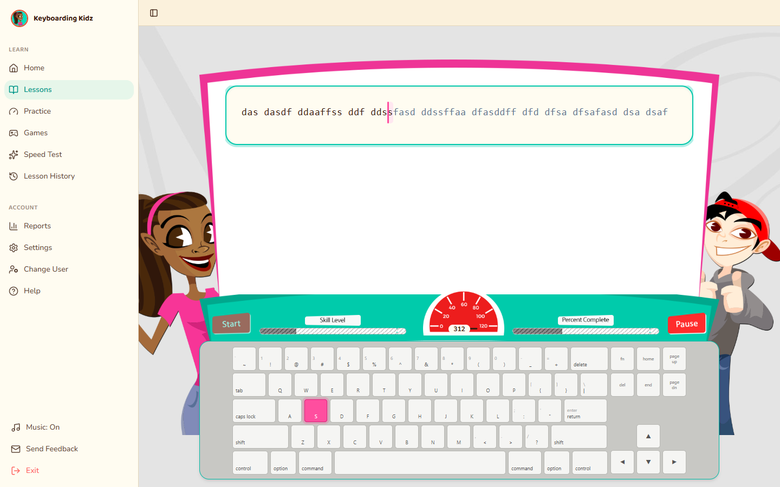
Keyboarding Kidz lesson: the two hosts beside a typing window and colourful keyboard
Ages 6–12

Keyboarding Kidz

Game-based typing adventures for young learners.

  • 6 knowledge-based typing games and a wizard challenge
  • 12 colorful interface themes kids choose themselves
  • Guided roadmaps with celebrations and rewards
  • Parent and teacher progress dashboard
  • Positive reinforcement every step of the way

Already activated? Log in · Renew for $19.99

Activated on or after 22 September 2026? Sign in here
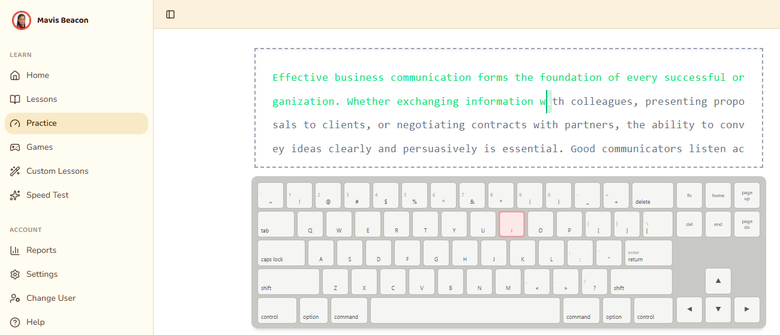
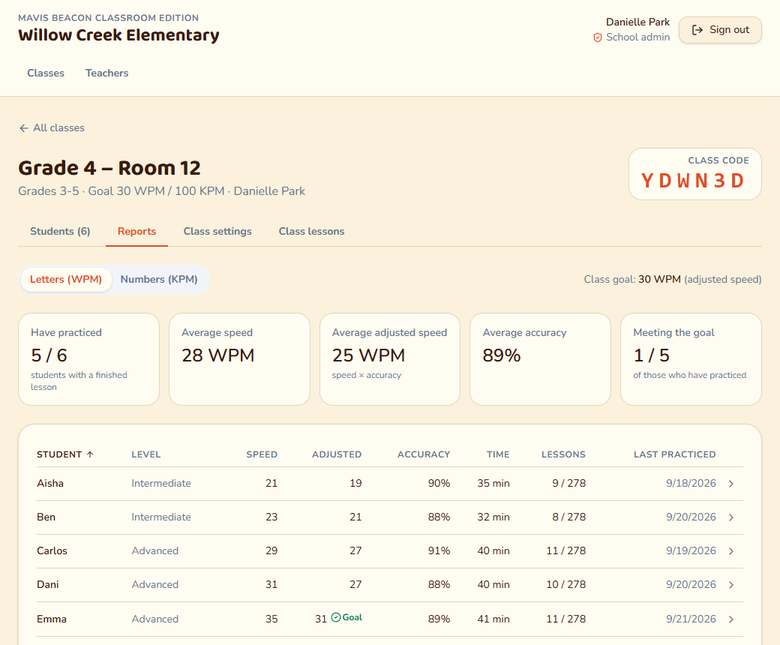
Classroom Edition class report showing each student's speed, accuracy and lessons, with the class code
Whole school

Classroom Edition

The Teaches Typing curriculum, rostered for a whole building.

  • Classes, rosters and one join code per class
  • Students sign in with a class code and PIN, no email needed
  • Class reports on speed, accuracy and lesson level
  • Grade-band typing goals, set once per class
  • Seat-based licensing for a room, school or district

Student? Join with your class code

1

Choose an edition

Kidz for ages 6–12, Teaches Typing for 13 and up, Classroom Edition for a whole school.

2

Get your key by email

Your license key arrives right after checkout. Renewals are $19.99.

3

Activate and start typing

Enter the key once, then log in from any browser on Windows, Mac or Chromebook.

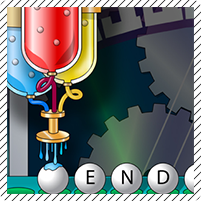
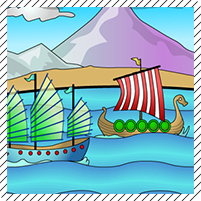
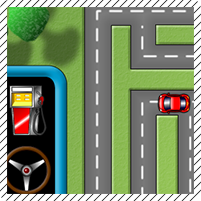
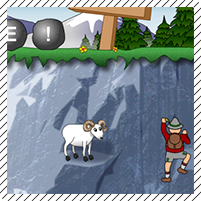
16 arcade-style games

Practice that feels like playing.

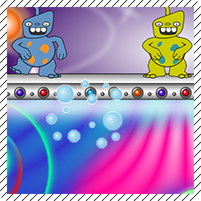
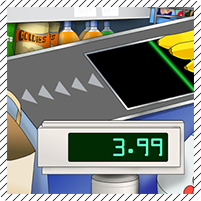
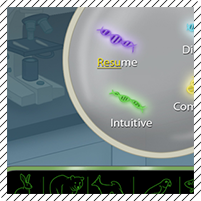
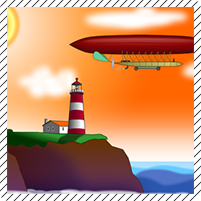
Every game ships in Teaches Typing and Classroom Edition. Keyboarding Kidz has its own six, built for younger hands.

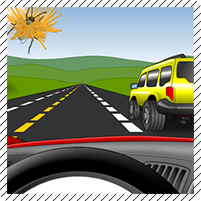
Road Race game screenshot
Road Race
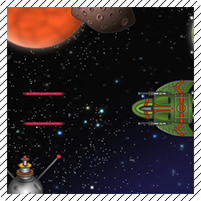
Space Junk game screenshot
Space Junk
Chameleon Picnic game screenshot
Chameleon Picnic
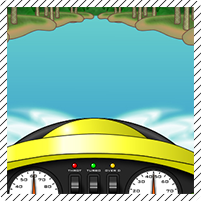
Ride the Wave game screenshot
Ride the Wave
Bubble Pop game screenshot
Bubble Pop
Checkout Time game screenshot
Checkout Time
Crazy Catering game screenshot
Crazy Catering
Creature Lab game screenshot
Creature Lab
Far-Off Adventure game screenshot
Far-Off Adventure
Gumball Gambit game screenshot
Gumball Gambit
Penguin Crossing game screenshot
Penguin Crossing
Pirate Race game screenshot
Pirate Race
Road Trip game screenshot
Road Trip
Rockslide game screenshot
Rockslide
Shark Attack game screenshot
Shark Attack
Undersea game screenshot
Undersea
Why families and schools trust Mavis

A time-proven curriculum, taught to millions.

The same award-winning Mavis Beacon method families and schools have trusted since 1987, now in the browser.

10M+
copies sold worldwide, among the best-selling educational software of all time
39
years of Mavis Beacon typing pedagogy, since 1987
100+
lessons, exercises and timed tests across the curriculum
8 hrs
of structured practice to earn the completion certificate
Parents' Choice Silver Honor Award Winner seal
Parents’ Choice Silver Honor Award
Awarded to Mavis Beacon Teaches Typing, the curriculum inside every edition.

“A great teaching tool for my tutoring center.”

Verified Best Buy customer review of Mavis Beacon Teaches Typing
As reviewed by Typing Lounge·Software Informer·Best Buy customers
For teachers & schools

One class code. Thirty students typing.

Classroom Edition brings the Teaches Typing lessons and games to a whole building. Teachers get rosters and reports; students sign in with a class code, their name and a 4-digit PIN.

Teacher runs the class
…/classroom/teacher

Ms. Rivera’s classes

Class 3B24 students · ABC123
Class 4A18 students · XQP981
Keyboarding Club11 students · KEY7M2
Student just starts typing
…/classroom/login

Class 3B · tap your name

Ava
Liam
Noah
Zoe
Mateo
Priya
••
Questions

Frequently asked

Can't find your answer? Our help pages cover every Mavis Beacon edition.

Do I need to install anything?

No. Every edition runs entirely in your web browser. Activate your license key and log in, on Windows, Mac or Chromebook.

Which edition is right for my child?

Keyboarding Kidz is built for ages 6 to 12, with games, colorful themes, guided roadmaps and positive reinforcement. From 13 up, Teaches Typing adds skill checks, ergonomics instruction, personal goals and a completion certificate after 8 hours of practice.

How do I buy or renew a license key?

Use “Buy or renew” on the edition you want. Keys are emailed right after purchase, and renewals cost $19.99.

What happens when my license expires?

You keep access for a 14-day grace period. We email reminders 30 days and 7 days before expiry, plus a notice when the grace period begins. Renew at any point to keep your progress.

Is there a version for schools?

Yes. Classroom Edition gives a teacher classes, rosters and reports, and students sign in with a class code and a 4-digit PIN, so no email is needed. Whoever redeems the school's key first becomes its admin and can invite other teachers.